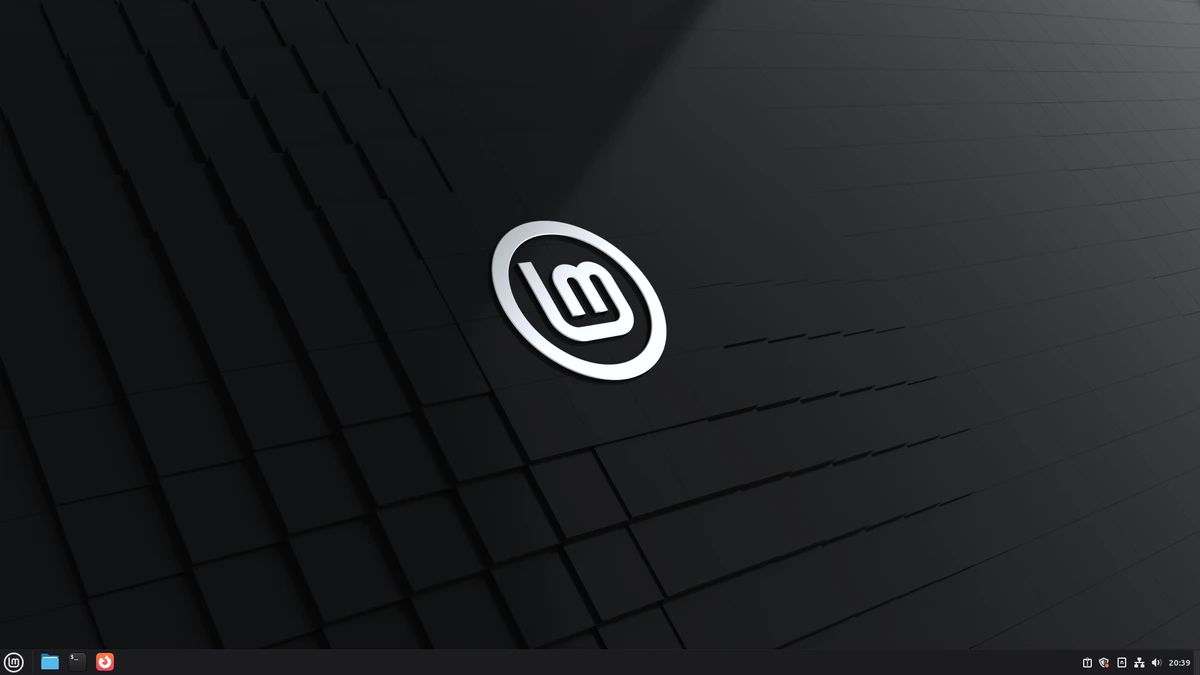
The release train for Linux Mint 22.3 is pulling into the station. Project lead Clement Lefebvre has officially announced the codename for this highly anticipated update: “Zena.”
Linux Mint has cemented its place as a top choice for users migrating from Windows, thanks to its exceptional stability, classic desktop layout, and commitment to user control. The upcoming “Zena” release, expected around Christmas 2025, continues this tradition by focusing on a suite of practical, user-centric quality-of-life upgrades rather than revolutionary changes.
Based on the highly reliable Ubuntu 24.04 LTS (Noble Numbat) package base, “Zena” is designed to be a rock-solid, long-term supported platform, ensuring security updates and stability until 2029. This release is shaping up to be a critical refinement of the core Linux Mint experience, particularly for its flagship Cinnamon desktop environment.
The Power of Pause: Essential Utility Upgrades
One of the most requested features from the Linux Mint community is finally arriving, providing users with far greater control over essential system processes. This new control over long-running background tasks is arguably the biggest productivity boost in “Zena.”
Pausable Operations in Nemo and Timeshift
The default Nemo file manager and the system’s primary backup utility, Timeshift, will now support the ability to pause and resume operations. This enhancement dramatically improves system usability, especially on lower-spec hardware or during large transfers.
- Nemo File Manager: Users can now temporarily halt large file copy or move operations. This is crucial for managing system resources, allowing you to free up disk I/O for more urgent tasks and then resume the transfer without losing progress.
- Timeshift Snapshots: Creating or restoring system snapshots can be resource-intensive. With 22.3, you can pause a running snapshot process. This flexibility is vital for maintaining system performance during periods of heavy use.
A Modern Look for the Cinnamon Desktop
The Cinnamon desktop environment receives several cosmetic and functional enhancements aimed at improving clarity and user comfort, all while maintaining the familiar aesthetic Mint users love.
The Revamped Application Menu
The primary application launcher is receiving a visual overhaul, notably through the introduction of symbolic category icons.
- This change utilizes the new XApp Symbolic Icons initiative to standardize the look of application categories (e.g., Games, Office, Web).
- The use of symbolic icons makes the menu look cleaner and more consistent, offering a modern touch without disrupting the classic desktop flow.
Enhanced Display and Input Controls
The “Zena” release builds on its efforts to modernize desktop features and improve cross-platform compatibility, particularly in preparation for future Wayland adoption.
- Always-On Night Light: A new, persistent toggle is being added to the Night Light feature, which adjusts the display’s color temperature to reduce eye strain in the evenings. The “always-on” mode provides more flexibility than the existing time-based scheduling.
- Wayland Input Foundations: While Linux Mint is not making the jump to Wayland as the default session yet, the development team is integrating Wayland-compatible keyboard and Input Method (IM) handling. This foundational work is key for future Wayland adoption and improves the consistency of input regardless of the display server used.
- Improved On-Screen Keyboard: The on-screen keyboard (OSK) receives refinements, offering better responsiveness and a more intuitive layout, which is particularly useful for touchscreen devices or accessibility needs.
- Per-App Panel Notifications: The panel will now feature indicators on a per-application basis, giving users more granular control and visibility into which specific apps require their attention.
System and Networking Tool Overhauls
Beyond the desktop, the internal utilities that power Linux Mint are also being streamlined and consolidated for better administrative control.
New System Tools for Greater Transparency
Mint 22.3 introduces two newly designed administrative applications:
- System Information Tool: This is an overhaul of the existing System Reports tool. It now provides a clearer, more detailed view of your hardware and software configuration. This is invaluable for troubleshooting, as it offers granular details on components, drivers, and system diagnostics.
- System Administration Tool: This new utility is designed to handle advanced administrative tasks, requiring elevated privileges. It aims to centralize complex configuration options—such as the Boot Menu configuration—into a more approachable, clean interface.
Warpinator Gets Text Messaging
Warpinator, the popular local network file sharing tool developed by the Mint team, is gaining a new feature: text messaging. This addition allows users to send short messages or notes along with the files they are transferring. This is a small but practical touch for communicating context about a file transfer without needing to switch to a separate messaging app.
Final Verdict: Stability Meets Modern Convenience
Linux Mint 22.3 “Zena” isn’t chasing dramatic new features. Instead, it focuses on perfecting the user experience through strategic quality-of-life enhancements and administrative improvements.
For new Linux users, the ability to pause file operations removes a source of common frustration, while the refreshed Cinnamon menu maintains the desktop’s welcoming familiarity. For seasoned users, the foundational work on Wayland compatibility and the advanced System Administration tool promise a more robust and future-proof platform.
With its Ubuntu 24.04 LTS base and a strong commitment to stability, “Zena” is set to reinforce Linux Mint’s reputation as one of the most reliable and user-friendly Linux desktop environments available.
Explore the Latest World of Technology.
Android
cross-device
file-explorer
phone-link
photos-tab
tech-news
windows-android
automation
bash-scripting
command-line
cron-jobs
file-permissions
linux-skills
terminal
vim
android-2026
android-security
apk-install
developer-verification
experienced-user
foss
google-play
open-source
sideloading
appimage