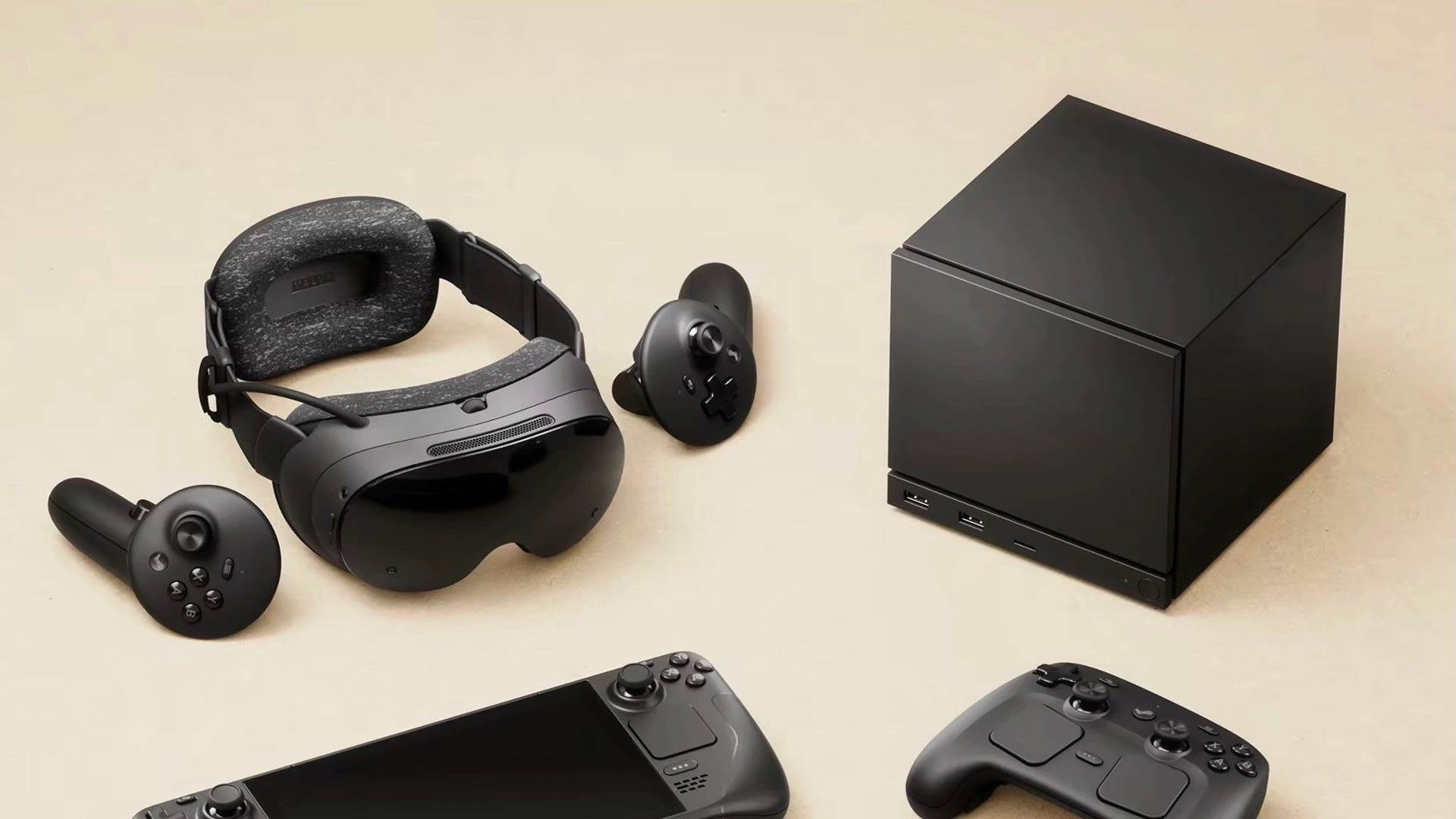
The Steam Deck has redefined portable gaming, offering powerful performance in a handheld form factor. For many users, connecting this device to a modern 4K TV is a key part of the experience. Yet, the official Steam Deck Docking Station lists its external display connection as HDMI 2.0, a specification generally limiting output to 4K at 60Hz.
This specification created immediate confusion in the community. Why would a modern handheld PC like the Steam Deck—which uses a DisplayPort 1.4-capable USB-C port—be constrained by an aging external standard?
Valve’s explanation reveals that the limitation is not technical, but bureaucratic. The core issue lies with the licensing restrictions imposed by the HDMI Forum on implementing the full HDMI 2.1 specification within open-source Linux drivers, which is the foundational software running SteamOS.
The Hardware Capability vs. The Official Specification
The hardware inside the Steam Deck is capable of pushing resolutions and refresh rates that exceed the typical limitations of HDMI 2.0. The device’s USB-C port uses DisplayPort 1.4 Alt Mode, which, in theory, can carry enough bandwidth for features associated with HDMI 2.1.
However, the official dock is only certified for HDMI 2.0. Here is a breakdown of why this discrepancy exists:
1. The Linux Driver Constraint
The true barrier to achieving official HDMI 2.1 certification comes down to the operating system:
- Proprietary vs. Open-Source: To implement the necessary HDMI 2.1 features (like FRL signaling) under the HDMI Forum’s rules, a company must use a closed-source, licensed driver.
- The SteamOS Philosophy: SteamOS, the operating system powering the Steam Deck, is built on Linux and relies heavily on open-source components, including the AMD Mesa drivers.
- The Conflict: The HDMI Forum has explicitly prevented the open-source community from implementing the full, necessary HDMI 2.1 specifications. Valve, committed to the open-source spirit of SteamOS and Linux gaming, cannot legally certify the port as HDMI 2.1 without violating its core philosophy or using a closed-source driver.
2. The Impact of Limited Bandwidth
Listing the dock as HDMI 2.0 means users miss out on key features guaranteed by the full HDMI 2.1 standard:
- Generalized VRR (Variable Refresh Rate): While the Steam Deck supports AMD FreeSync (a DisplayPort feature) on compatible displays, it lacks the full, guaranteed HDMI-VRR standard.
- Color Compression: To achieve higher resolutions and refresh rates like 4K at 120Hz over the current pipeline, Valve often has to rely on chroma subsampling (specifically 4:2:0). This slightly degrades image quality compared to a full 48 Gbps HDMI 2.1 connection.
- Uncompressed Color Data: The lack of full bandwidth means certain demanding combinations of resolution, refresh rate, and color depth (like 4K@120Hz with 10-bit HDR) may not be achieved without visual compromise.
Current Workarounds and the Path Forward
Despite the official labeling, users should understand that the Steam Deck is not completely limited to HDMI 2.0 performance:
- Third-Party Docks: Many third-party Steam Deck docks on the market advertise and successfully deliver 4K@120Hz output. They achieve this by utilizing the DisplayPort 1.4 signal from the Steam Deck’s USB-C port and converting it to the higher HDMI signal, often relying on compressed data formats or vendor-specific implementations.
- DisplayPort 1.4 Power: The core hardware remains powerful. The DisplayPort protocol allows for features like FreeSync to work effectively, mitigating stuttering and tearing during demanding games.
Valve has publicly stated that they are “trying to unblock” the situation with the HDMI Forum. This ongoing effort highlights Valve’s commitment to improving the Linux gaming ecosystem.
For now, the official dock remains an excellent accessory for 4K@60Hz gaming and general desktop use. However, users seeking bleeding-edge 4K@120Hz or full HDR support might still need to explore compatible third-party docks that leverage the DisplayPort capabilities of the Steam Deck’s powerful core hardware. This frustrating licensing hurdle remains a key challenge for all open-source gaming hardware on Linux today.
Explore the Latest World of Technology.
Android
cross-device
file-explorer
phone-link
photos-tab
tech-news
windows-android
automation
bash-scripting
command-line
cron-jobs
file-permissions
linux-skills
terminal
vim
android-2026
android-security
apk-install
developer-verification
experienced-user
foss
google-play
open-source
sideloading
appimage